Introduction to AI Room Design Apps
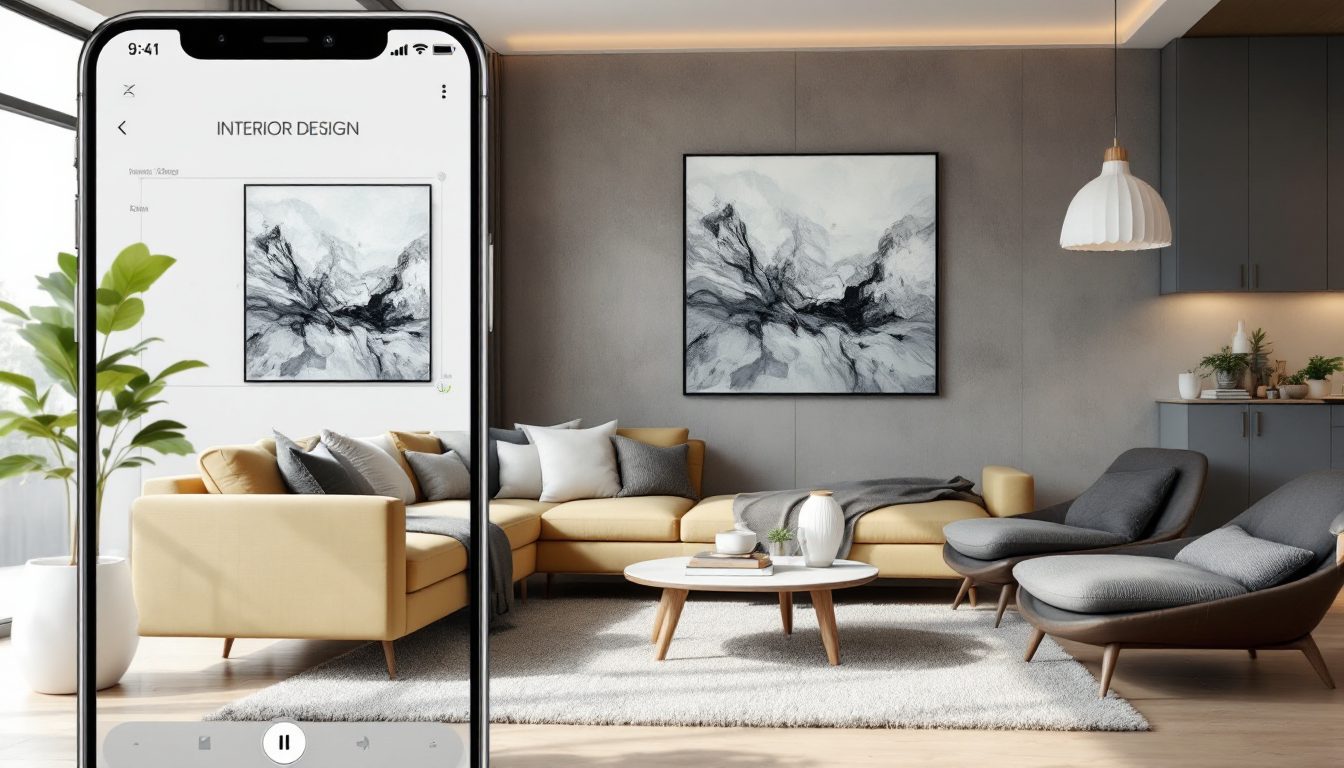
The concept of AI in interior design might sound futuristic, but it is rapidly becoming a transformative tool in the world of design. An AI room design app uses artificial intelligence to help users create, visualize, and optimize their personal spaces with ease and efficiency. For beginners, understanding how to leverage such technology can significantly streamline the design process and enhance creative decision-making.
Why Use an AI Room Design App?
Reimagining your space can be a daunting task. Whether you are updating a single room or redesigning your entire home, an AI room design app offers several benefits:
- Visualization: Instantly visualize how changes will look in your space using virtual models.
- Efficiency: Save time by quickly testing various layouts and designs.
- Cost-Effectiveness: Reduce unnecessary expenses by planning efficiently.
- Accessibility: Easy to use for non-professionals, with intuitive interfaces.
These benefits make AI room design apps accessible and valuable for anyone looking to improve their home’s interior.
How to Begin Using an AI Room Design App
Starting with an AI room design app is straightforward, even for beginners. Here’s a step-by-step guide:
- Choose the Right App: Research and select an AI room design app that suits your needs. Consider features, user reviews, and pricing.
- Set Up Your Space: Input dimensions and select a room type. Some apps require a simple floor plan or photos to get started.
- Explore Design Options: Experiment with different styles, furniture arrangements, and decor elements. Many apps provide suggestions based on current design trends.
- Make Adjustments: Use the app to simulate changes and visualize potential outcomes. Tweak colors, materials, and layouts as you develop your design.
- Finalize and Implement: Once satisfied, use the app's resources to source materials and furnishings, often recommending local retailers.
Learning from Experts
To deepen your understanding of interior design, consider exploring resources such as basics of interior design. These can provide valuable insights into design principles that complement the use of AI tools. Exploring articles on architecture design basics can further enhance your planning and execution skills.
Additional Features to Explore
Many AI room design apps offer advanced features that can help refine your design project:
- Augmented Reality (AR): Overlay virtual designs into your real-world environment for a realistic preview.
- 3D Visualization: Create and view three-dimensional models for an in-depth perspective.
- Budget Management: Integrate cost analysis to keep track of budgetary constraints and financial planning.
- Collaboration Tools: Share your designs with family, friends, or professional designers for feedback and further development.
Conclusion
Using an AI room design app opens up a world of possibilities for homeowners seeking to transform their spaces. By combining user-friendly technology with design-savvy features, these apps make the design process more accessible and enjoyable, even for novices. As you become more comfortable, consider exploring top tools for interior design professionals to expand your creativity and expertise.
Embrace the future of interior design today with an AI room design app, and transform your home into a space that truly reflects your style and needs.