
Understanding Virtual Staging AI
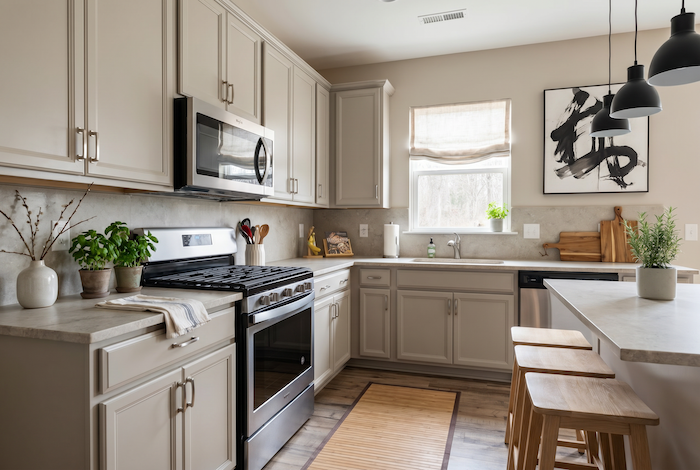
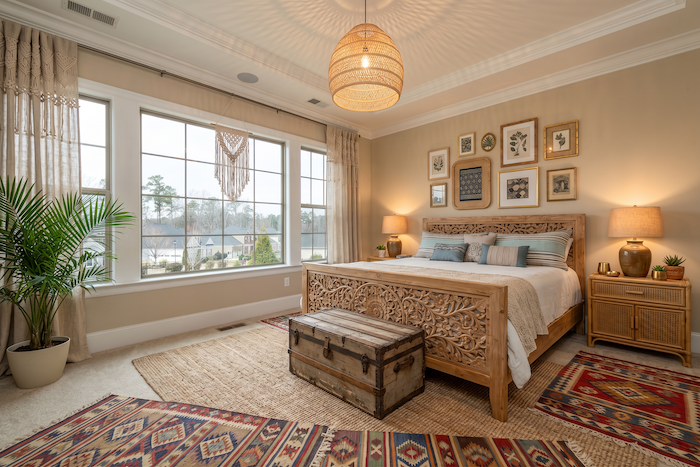
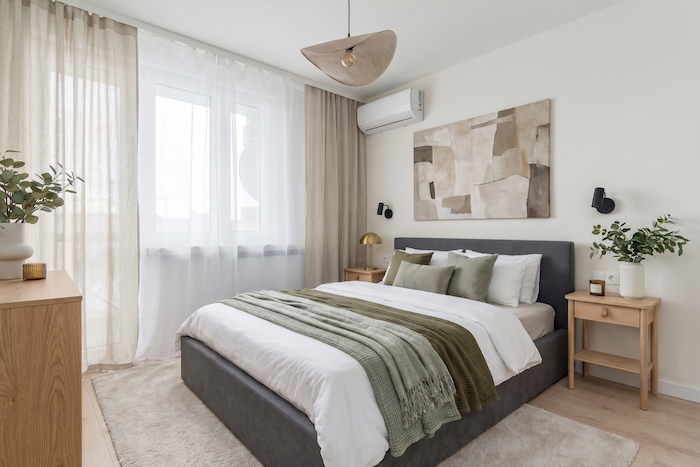
In the world of real estate and interior design, virtual staging AI has emerged as a game-changer, making it easier to visualize and transform spaces. This technology allows users to digitally furnish and decorate rooms using realistic 3D models, offering a cost-effective alternative to traditional staging methods.
What is Virtual Staging AI?
Virtual staging AI involves using artificial intelligence to enhance the virtual staging process. This technology combines the power of machine learning with sophisticated design tools to create lifelike images of interior spaces. Unlike physical staging, which requires moving actual furniture and décor into a space, virtual staging can be done entirely on a computer, saving time and money.
The Benefits of Virtual Staging AI
- Cost-Effectiveness: Traditional staging can be costly, involving rental fees for furniture and additional labor costs. Virtual staging significantly reduces these expenses.
- Flexibility: Change designs with ease to explore various styles and layouts without the need for physical alterations.
- Speed: Quickly generate multiple designs, providing faster turnaround times for real estate listings or design planning.
- Realistic Visuals: High-quality renderings allow potential buyers or design clients to better visualize an empty space's potential.
Getting Started with Virtual Staging AI
If you are new to virtual staging, the process can seem daunting. However, with the right tools and guidelines, you can easily get started. Here are some steps to help you embark on your virtual staging journey:
1. Choose the Right Tools
Begin by selecting a virtual staging platform that fits your needs. For a comparison of AI interior design tools, consider ease of use, customization options, and quality of rendering. Platforms such as 3D room designers or apps like airoomdecor.app offer user-friendly interfaces and a wide variety of design elements.
2. Gather Your Room Images
Take high-quality photographs of the rooms you wish to stage. Ensure the images are well-lit and capture the space from multiple angles for the best results.
3. Import Images into the Software
Upload the photographs into your chosen virtual staging tool. Use the software’s features to remove existing furniture if necessary.
4. Design Your Space
Select furniture and décor items from the tool's library. Experiment with different styles to best match the intended aesthetic of the space. This is an ideal opportunity to explore various design trends and interior design styles.
5. Review and Finalize
Examine the render for any flaws or unrealistic elements. Adjust lighting and texture details to enhance the realism of the final image.
6. Save and Share
Once satisfied with the design, save your work and use it for real estate listings, client presentations, or social media marketing. Virtual staging is not only a tool for real estate but also a powerful technique in showcasing AI-powered interior design innovations.
Conclusion
Virtual staging AI offers a revolutionary approach to transforming interior spaces digitally. By utilizing this technology, you can effectively market properties, aid in design planning, and explore creative layouts without the prohibitive costs of traditional staging. Embracing this technology can enhance your workflow and provide stunning visuals that capture viewers’ imaginations.